Google Glass
Personal project
Directed study with Andrew Haw
Research
UI/UX
Prototyping
Tools I used
Illustrator
Photoshop
InDesign
PHP
Introduction
Glass is fundamentally different than existing mobile platforms in both design and use. Hence, it is important to think about UX guidelines specific for Glass and where Glass could go wrong, in order to provide best experience. From this project, I’ve created UX guidelines for Glass and developed Glass application prototypes for fashion photographers.
Read my article "Google Glass needs new UX guidelines" at medium.com
Read process book
About the application
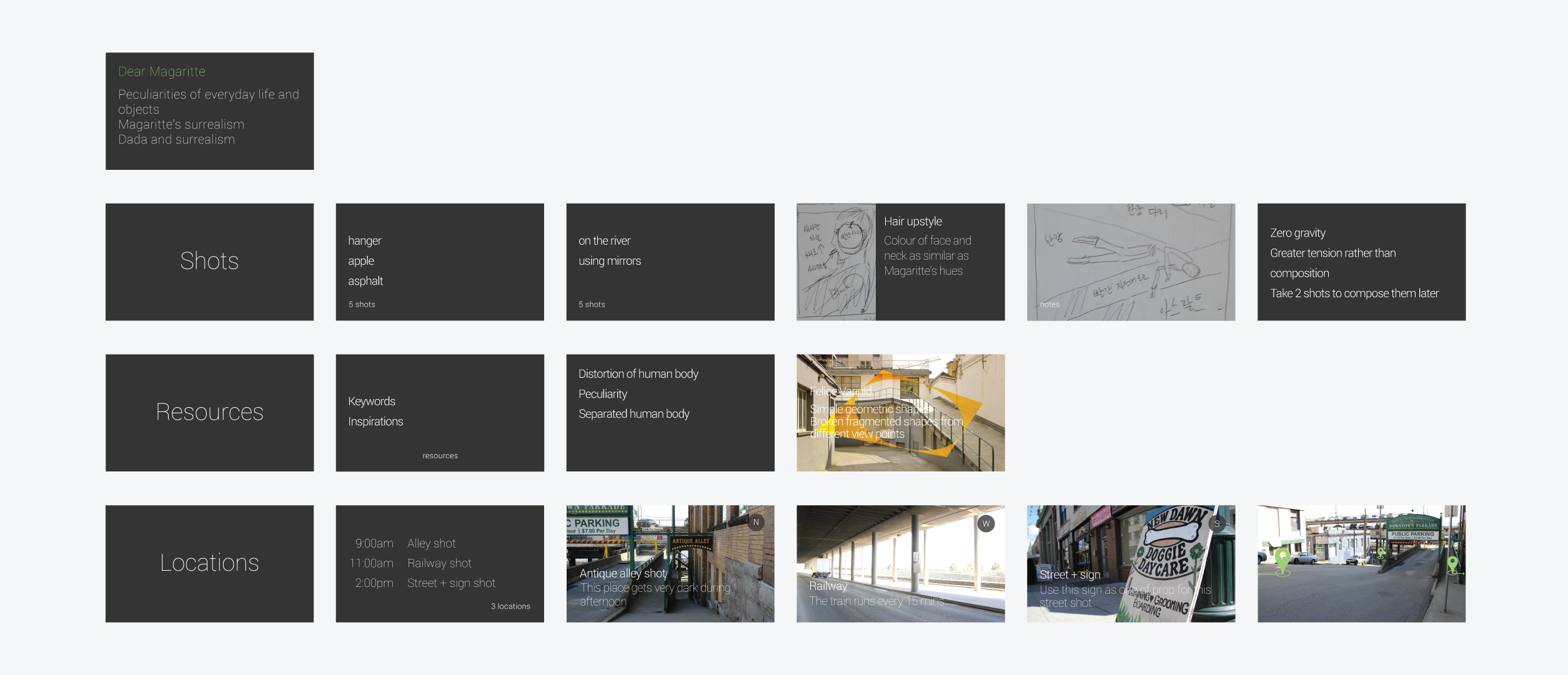
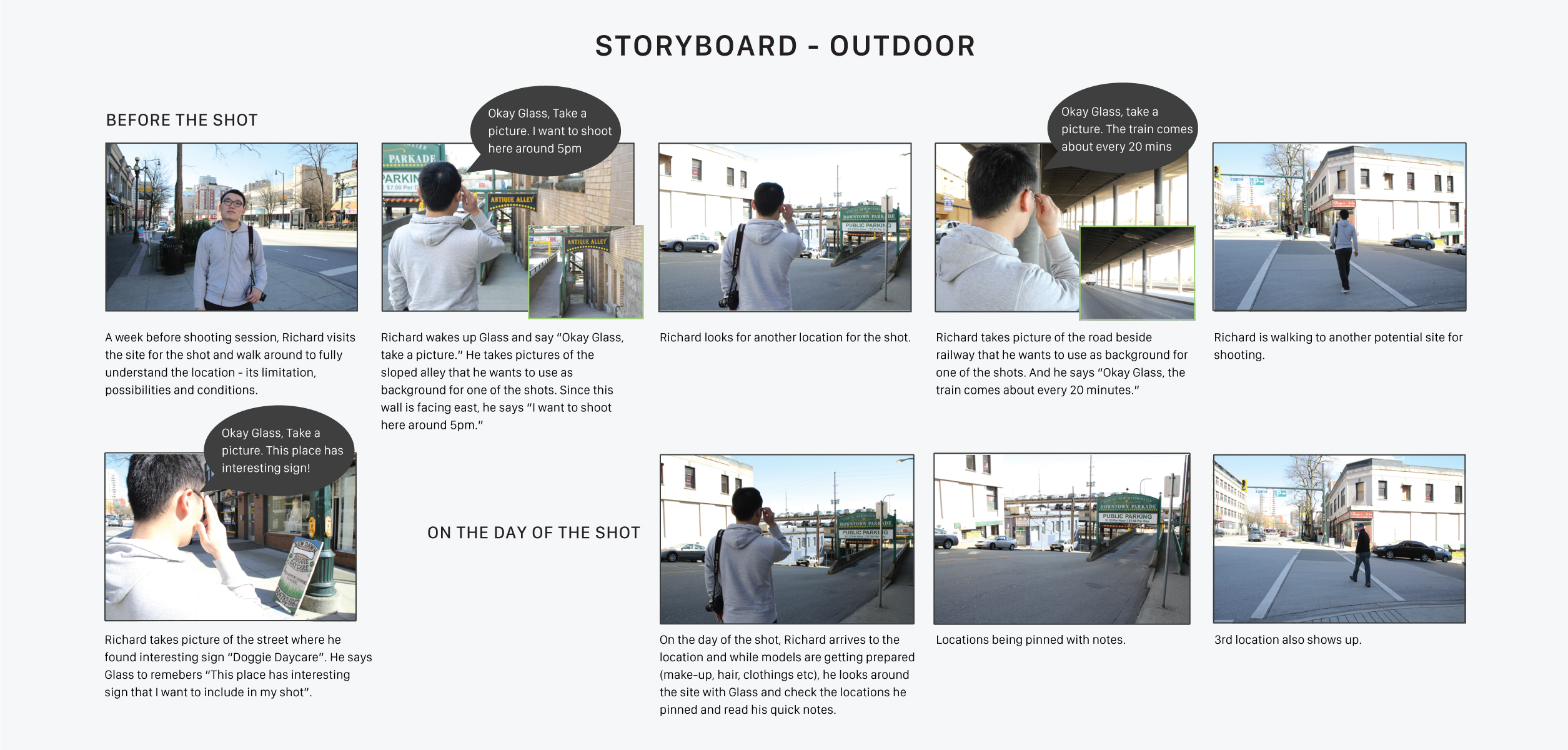
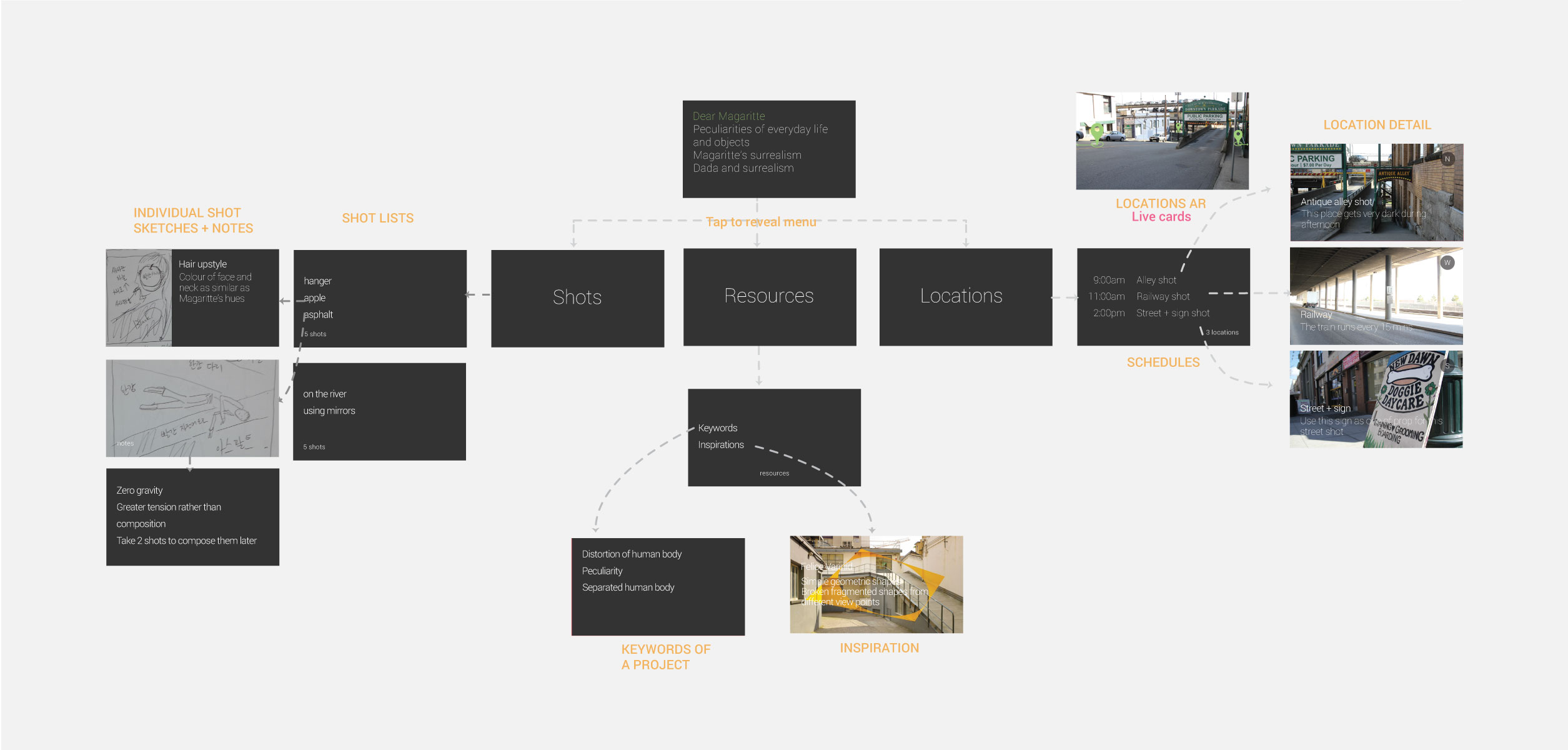
This application allows photographers to take pictures of potential shooting sites, remember the locations and record notes via their voice. Some of the notes that photographers would record along with the site pictures are direction of light and time of the day they want to shoot. After the site scouting, a photographer would upload sketches, notes and other inspirational images to the application. At this point, a photographer has everything he needs on the application. The application is categorized into 3 sections - shots, resources, and locations. Each section includes bundles of cards, which are:
- Shots: list of shots, shot sketches and notes.
- Resources: any note photographers have about the shots and inspirational images.
- Locations: shooting schedule, background shots and live cards that show shooting locations (Augmented reality).
This application allows photographers refer to these information as naturally as possible without hindering the flow of shooting.
Final UI of the Glass application.
Process
Before thinking about the idea for Glass application, I decided to understand about Glass first. It was a completely new kind of platform and I never worked with virtual reality before. While researching about virtual reality user experience, I realized that there is no UX guidelines specific for Glass, so I decided to create my own UX guidelines for Glass.
Read my article "Google Glass needs new UX guidelines" at medium.com
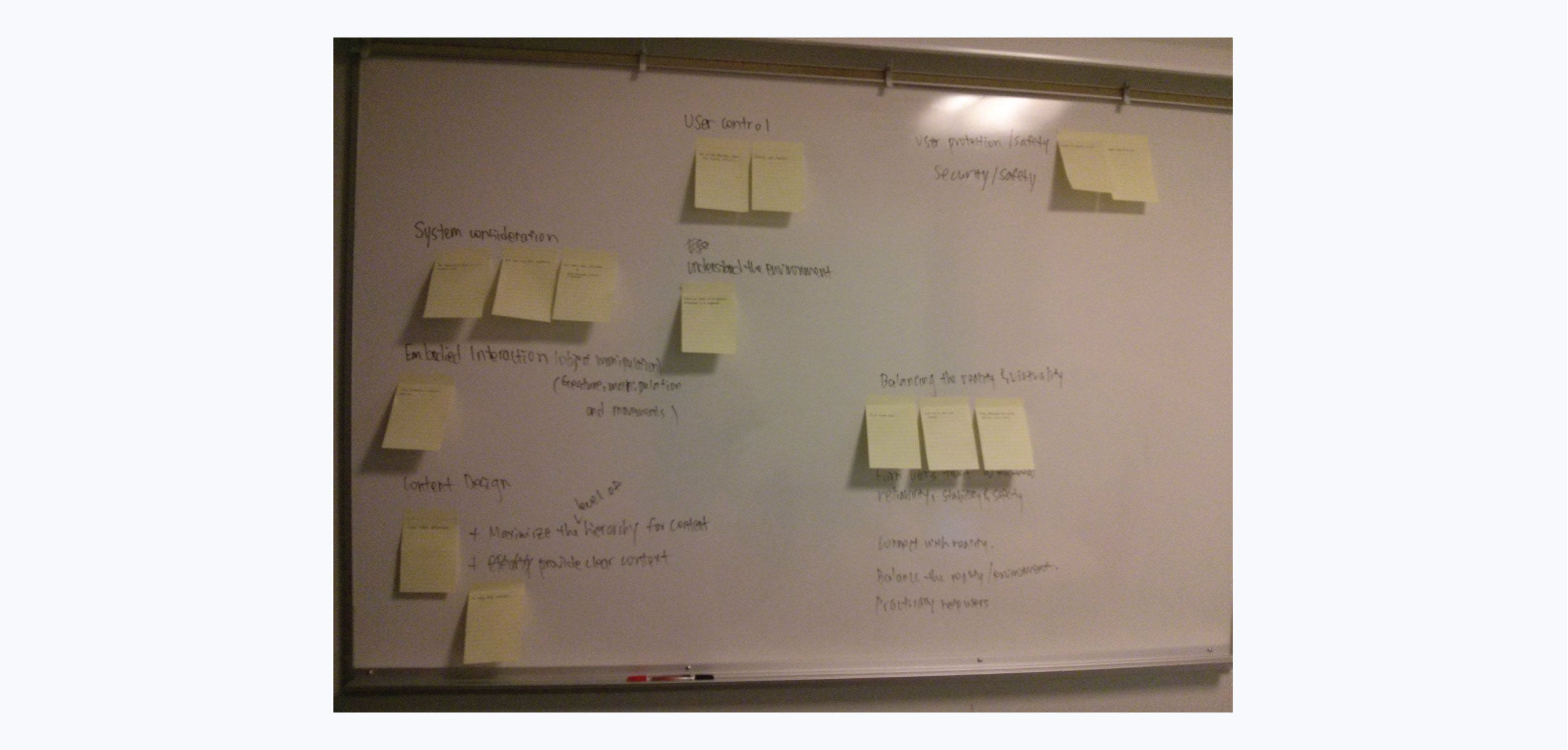
Brainstorming UX guidelines for Glass by grouping related guidelines.
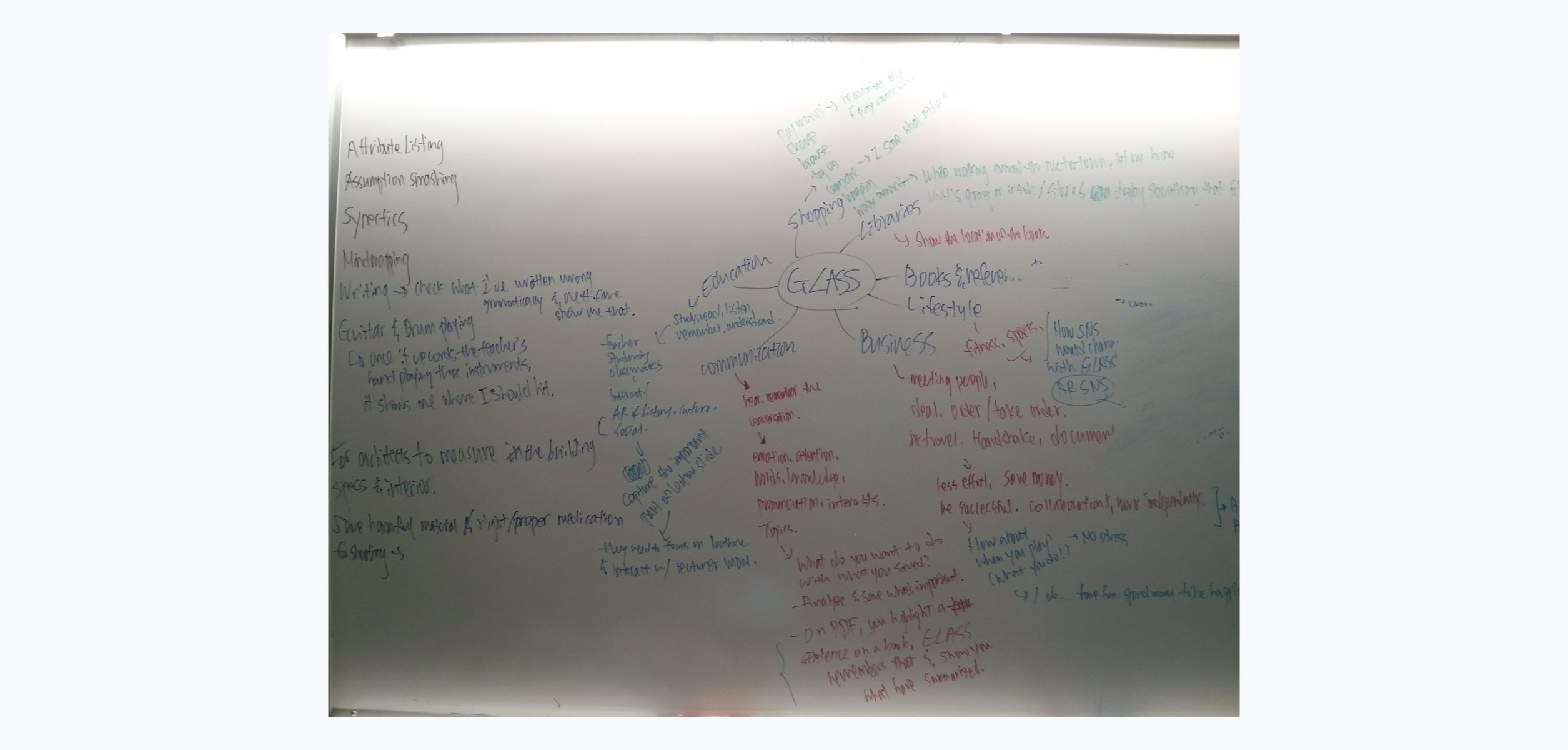
Coming up with Glass application idea by mind mapping.
Storyboard that describes how a photographer would use the application on the street.
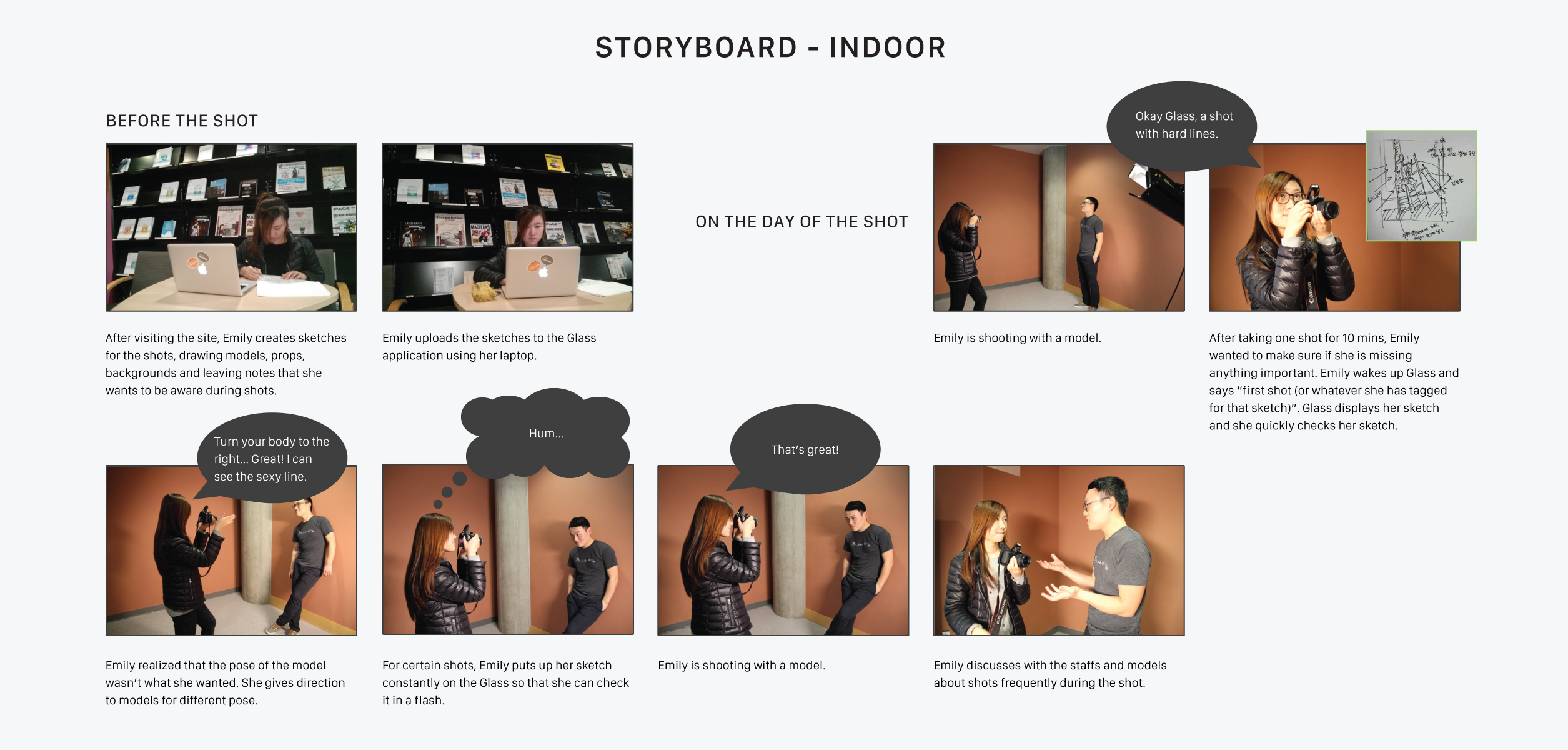
Storyboard that describes how a photographer would use the application indoors.
Sitemap of the Glass application.
For the purpose of testing, I created a prototype using PHP version of Mirror API.
Pilot testing process.
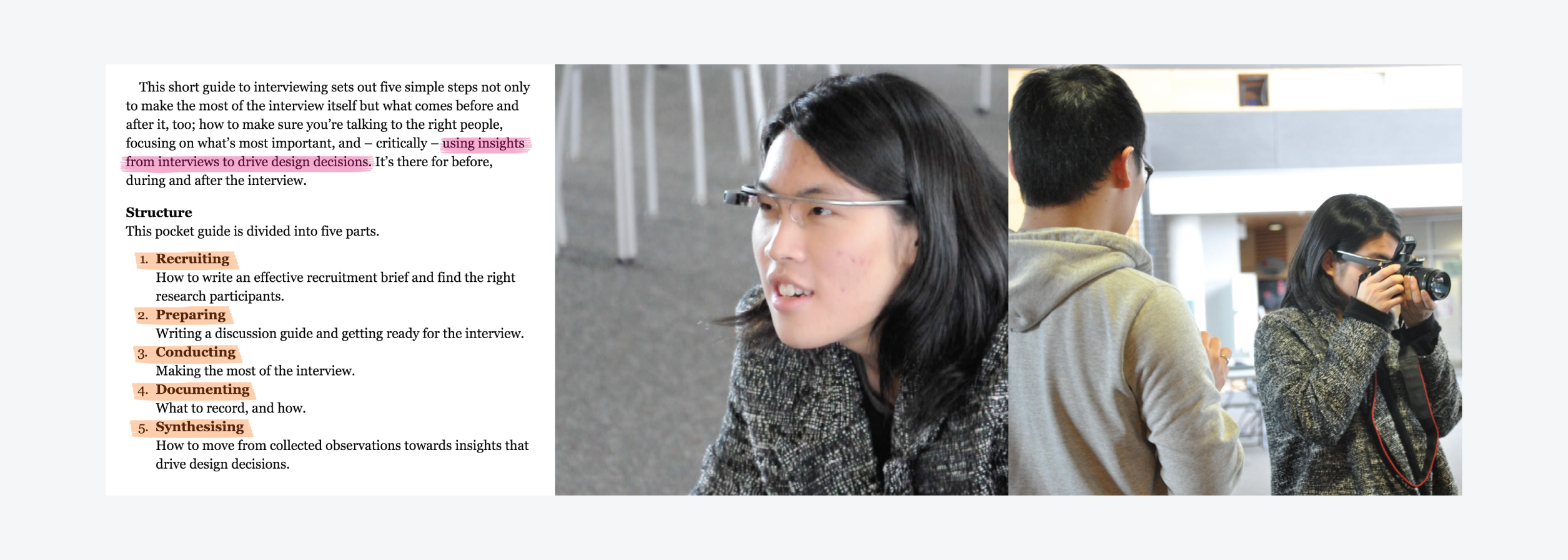
While planning for the pilot testing, I read the book called Interview for research by Andrew Travers. A Vancouver-based fashion photographer was invited for the pilot testing. He was given specific tasks and allowed to use the application freely on the Glass.
What worked well
- The process of quickly referring to the application interface while shooting was natural enough so that it didn’t distract the photographer’s usual workflow.
- The photographer got used to using Glass quickly and could quickly flip through the cards to see the images and notes on the interface.
What didn't work well
- The photographer couldn’t fully put the camera on his right eye, which he uses for focusing.
- The Glass camera quickly captured a very wide angle of the scene so that the photographer had to actually walk close to the object of interest, because he is usually interested in one specific object of the scene not the overall scene.